Georgijus

Disk Cleanup tool in Windows 11 interface clearing storage

How to Clean Up Hard Drive Space Using Storage Sense in Windows 11

Disk cleanup Windows 11 isn’t just a housekeeping task — it’s a performance booster. When your hard drive fills up, everything slows down. Apps freeze, updates fail, and your system starts lagging in ways that make everyday tasks feel heavier than they should. If you’ve seen low storage warnings, or Windows refuses to install an update, it’s time to take action. There are plenty of signs that your system is low on space. You might see your downloads folder bloated…

How to Clean Up Hard Drive Space Using Storage Sense in Windows 11 Read More »
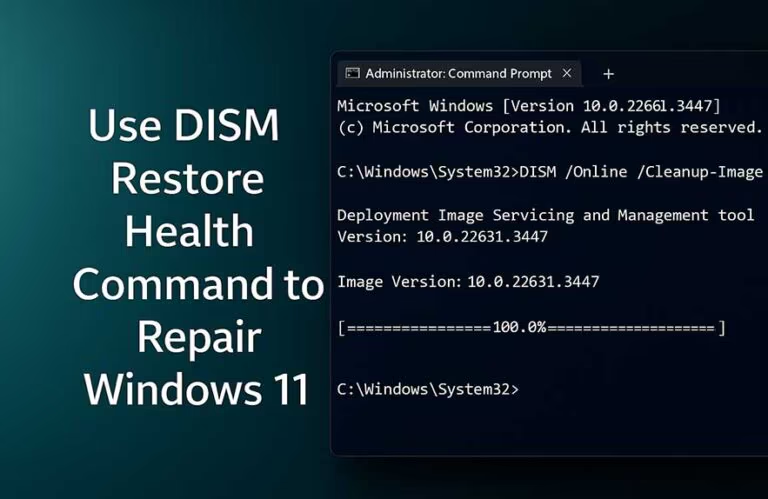
DISM restore health command in Windows 11 terminal

How to Repair Windows 11 Using the DISM Restore Health Command

If your PC feels unstable, keeps failing to update, or throws system errors that won’t go away, it could be more than just a bug — your Windows image might be damaged. That’s where DISM comes in. Built into Windows 11, DISM stands for Deployment Image Servicing and Management, and it’s designed to repair the underlying system image that other repair tools rely on. Normally, when something feels off, you might run the System File Checker (SFC) to scan for…

How to Repair Windows 11 Using the DISM Restore Health Command Read More »

SFC Scannow command running in Windows 11 terminal

How to Check and Fix Corrupt System Files in Windows 11

When your system starts acting strangely, the sfc scannow command is one of the fastest ways to check for broken system files. Windows depends on thousands of these files to run smoothly — from your desktop to your updates. But when even one becomes corrupted, things can start falling apart quickly. Apps crash, menus disappear, updates fail, or you might even see the dreaded blue screen. Corruption usually sneaks in silently. It could come from a bad shutdown, a power…

How to Check and Fix Corrupt System Files in Windows 11 Read More »

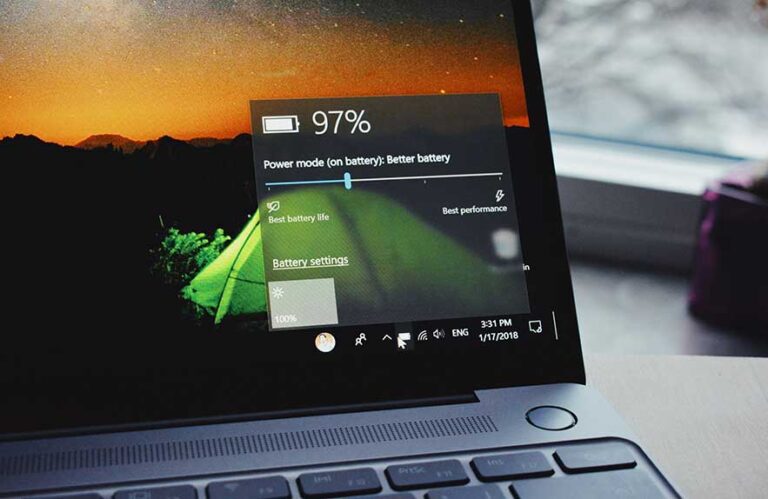
Optimized battery charging on Windows 11 laptop screen

Battery Optimization on Windows 11 Laptops: Full Guide

We’ve all been there — leaving the laptop plugged in all day while working or watching videos. It’s convenient, sure, but over time, keeping your battery constantly full can quietly wear it down. That’s exactly what optimized battery charging in Windows 11 is designed to fix. Instead of rushing to 100% and holding it there, this feature learns your routine. If Windows sees that you stay plugged in most of the time, it’ll slow things down and keep your battery…

Battery Optimization on Windows 11 Laptops: Full Guide Read More »

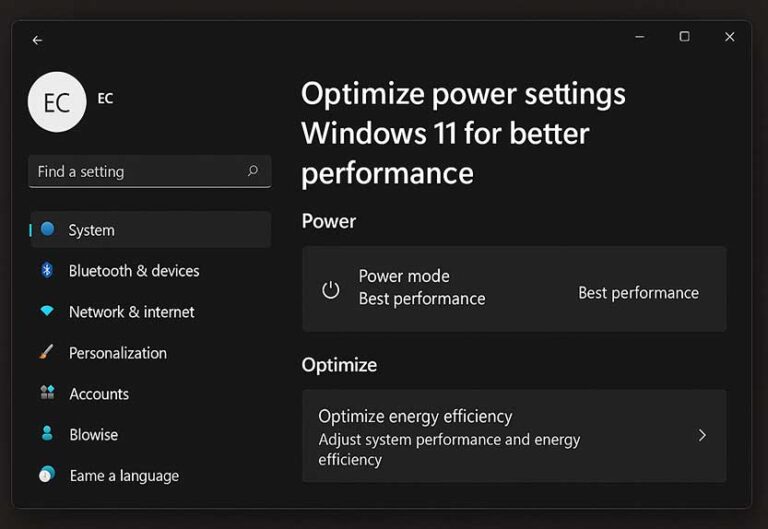
Optimize power settings Windows 11 for better performance

How to Optimize Power Settings in Windows 11 for Performance

Let’s say your laptop is running fine one minute, then suddenly feels like it’s dragging the next. Or maybe your desktop sounds like a jet engine even though you’re just browsing the web. In many cases, what’s happening behind the scenes has everything to do with your power settings in Windows 11. These settings quietly manage how your system handles energy. They affect how fast your CPU responds, how quickly your screen shuts off, when your hard drive powers down,…

How to Optimize Power Settings in Windows 11 for Performance Read More »

Disable animations Windows 11 to improve speed

How to Disable Animations in Windows 11 for Speed

Windows 11 is packed with small animations — windows that fade in, menus that slide, and subtle transitions when switching between apps. They’re designed to make things feel smooth and modern. But if your PC isn’t exactly high-end, these animations can actually slow things down.

Every animation takes a bit of power to render. On newer machines, that impact is barely noticeable. But on older laptops or systems with limited RAM or slower storage, these effects start to get in the…

How to Disable Animations in Windows 11 for Speed Read More »

Fixing disk usage 100 in Windows 11 using Task Manager

How to Fix 100% Disk Usage in Windows 11

If your computer feels like it’s dragging — apps slow to launch, system freezing randomly — and you pop open Task Manager only to see “disk usage 100%,” you’re not alone. It’s one of the most frustrating things Windows users deal with, and it often shows up without warning.

But what exactly does “disk usage 100” mean? It’s not referring to how much storage space you’ve used — that’s a totally different thing. Instead, it means your disk is currently being…

How to Fix 100% Disk Usage in Windows 11 Read More »

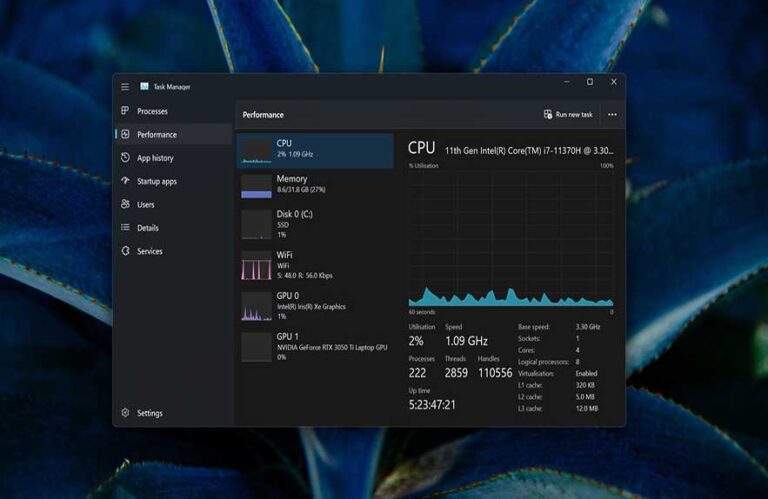
Task Manager speeding up a Windows 11 PC

How to Use Task Manager to Speed Up Your PC

Ever opened your laptop, clicked a few things, and suddenly everything’s crawling? Apps freeze, the fan kicks into high gear, and you’re wondering what just happened. This is exactly when Task Manager becomes your best friend.

The Process Manager isn’t just a way to close frozen apps — it’s a full control panel for your PC’s performance. It shows you what’s running, what’s using your memory, how busy your CPU is, and even how your disk and network are holding up….

How to Use Task Manager to Speed Up Your PC Read More »

Check Windows version on a laptop via System Settings

How to Check Your Windows Version and Build Number

Ever had a program refuse to install or Windows tell you that you’re missing an update you were sure you had? That’s exactly when knowing how to check your Windows version becomes important. It’s one of those things you don’t need often — until suddenly, you really do.

Your Windows version affects everything from driver compatibility to whether certain features, updates, or apps will work. Ever wondered why one PC can run a specific tool but another can’t? Nine times out…

How to Check Your Windows Version and Build Number Read More »

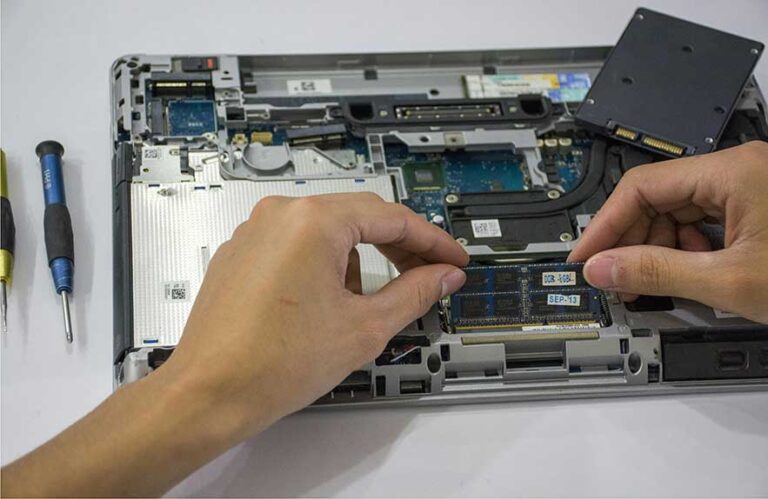
How to install RAM in laptop using DDR memory module

How to Install RAM in a Laptop: Step-by-Step for Beginners

Ever wondered why your laptop starts lagging when you open too many tabs or run a few apps at once? You’re not alone. If your machine feels like it’s dragging through simple tasks, a RAM upgrade might be exactly what it needs. Learning how to install ram in laptop is one of the easiest ways to boost speed without spending a fortune on a new device.

More memory helps your system juggle more at once — whether you’re editing photos, browsing…

How to Install RAM in a Laptop: Step-by-Step for Beginners Read More »