Georgijus

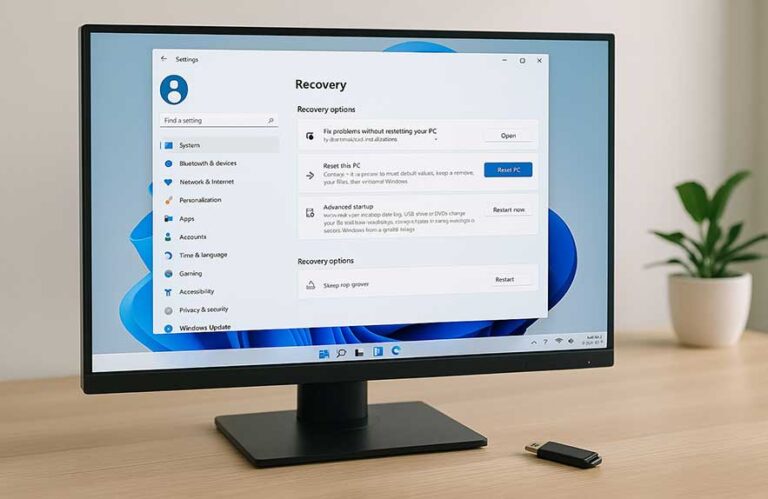
how to factory reset windows 11 on any PC or laptop

How to Factory Reset Windows 11: Safely Wipe and Reinstall

Sometimes, the easiest fix for a slow, glitchy, or overloaded PC is just starting fresh. Ever felt like your computer used to fly and now it crawls? Or maybe you’re passing it on to someone else and want your personal stuff wiped clean. That’s where a factory reset comes in handy.

Factory resetting a Windows 11 PC doesn’t just remove files. It takes the system back to a near-original state—like how it looked when you first unboxed it. All those random…

How to Factory Reset Windows 11: Safely Wipe and Reinstall Read More »

Create Windows 11 bootable USB with laptop installer screen

How to Create a Windows 11 Bootable USB Drive

Ever been stuck with a PC that won’t boot, or maybe you’re setting up a brand-new build from scratch? That’s exactly when knowing how to create Windows 11 bootable USB media becomes incredibly useful. It’s one of those tools that feels technical until you try it — then you realize how surprisingly simple it is.

There are a bunch of real-world reasons to make one. Maybe your Windows install got corrupted and recovery options aren’t working. Maybe you just upgraded your…

How to Create a Windows 11 Bootable USB Drive Read More »

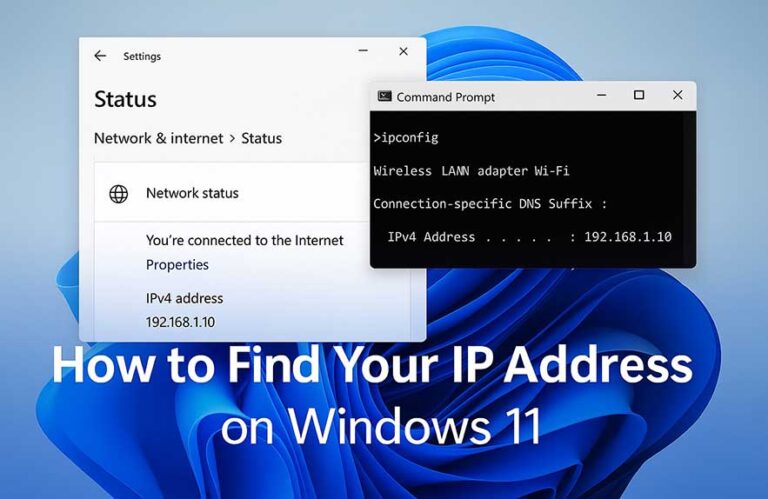
How to find IP address on Windows using network settings and command line

How to Find Your IP Address on Windows 11 (Step-by-Step)

Ever had to set up a new router or troubleshoot a network issue and wondered, “Where the heck is my IP address?” You’re not alone. Knowing how to lookup IP address on Windows is one of those underrated skills every user ends up needing sooner or later. It’s what helps devices communicate on a network and lets you manage or troubleshoot internet connections more effectively.

So, what exactly is an IP address? Think of it like a street address for your…

How to Find Your IP Address on Windows 11 (Step-by-Step) Read More »

How to update graphics card drivers on Windows using official tools

How to Update Your Graphics Drivers in Windows (Step-by-Step)

If your screen has ever flickered during a game or your video editing app suddenly crashed, your graphics drivers might be outdated. These drivers help Windows communicate with your GPU — whether that’s integrated Intel graphics or a dedicated AMD or NVIDIA card. When they’re out of date, things can get unstable fast.

Wondering how to update graphics card drivers safely? It’s easier than you think. Driver updates often improve stability, fix annoying bugs, and boost gaming performance. Even everyday apps…

How to Update Your Graphics Drivers in Windows (Step-by-Step) Read More »

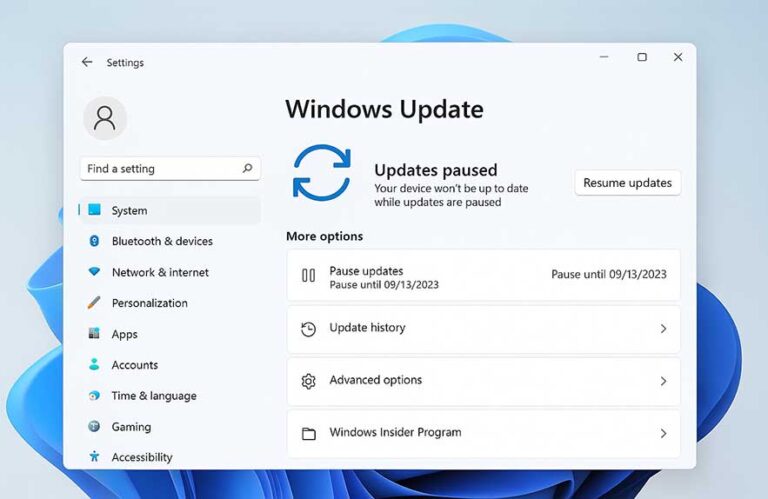
How to stop Windows 11 update using the pause updates setting

How to Stop Auto Updates in Windows 11 (Step-by-Step)

If you’ve ever had your PC restart in the middle of a game, a video call, or a late-night work session, you know how frustrating automatic updates can be. Many users are now actively searching how to stop Windows 11 update prompts from taking over at the worst possible time. The update system is more aggressive than ever, applying patches in the background and forcing reboots that often catch people off guard.

To be fair, updates serve a purpose. They patch…

How to Stop Auto Updates in Windows 11 (Step-by-Step) Read More »

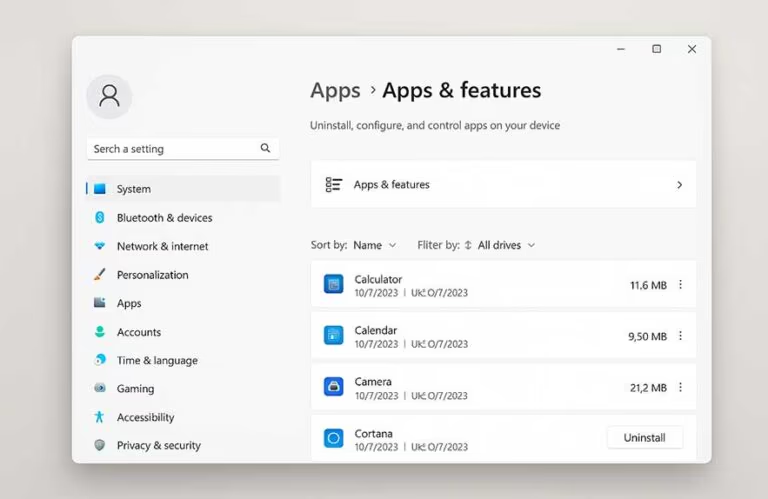
How to uninstall apps on Windows 11 using the apps & features menu

How to Uninstall Built-In Apps in Windows 11 (Step-by-Step)

When you first boot up a new Windows 11 PC, one thing’s immediately clear—it comes with a lot of extras. From Microsoft Teams and Xbox Game Bar to Weather, News, and other apps you might never use, Windows 11 built in apps often feel more like a bundle deal than a clean slate. This is where the line between helpful tools and bloatware starts to blur.

Now, there’s a reason behind it. Microsoft wants to create a ready-to-go environment with productivity…

How to Uninstall Built-In Apps in Windows 11 (Step-by-Step) Read More »

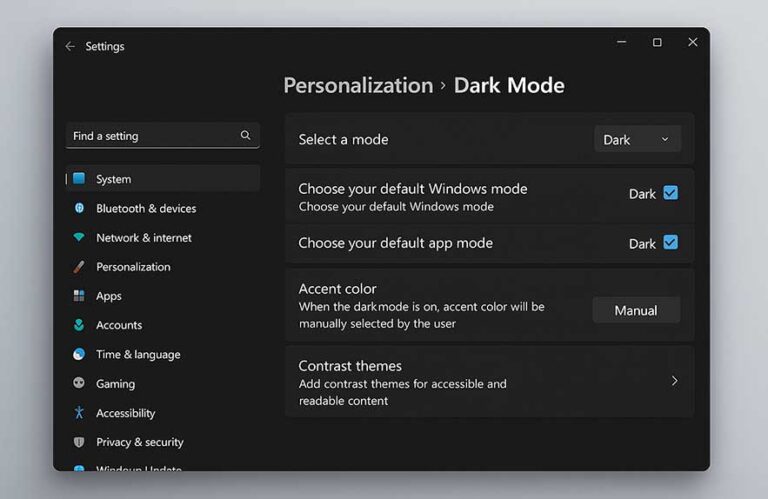
Windows 11 dark mode settings screen with dark theme enabled

How to Enable Dark Mode in Windows 11 (Step-by-Step)

Windows 11 dark mode changes the way your screen feels, especially if you’re someone who spends hours in front of it. Instead of bright whites lighting up every menu and background, it switches the entire interface to a darker color palette. You’ll notice the shift in your taskbar, Start menu, File Explorer, and even built-in apps like Settings or Photos.

Why use it? For starters, it’s easier on the eyes. Whether you’re up late replying to emails or just prefer a…

How to Enable Dark Mode in Windows 11 (Step-by-Step) Read More »

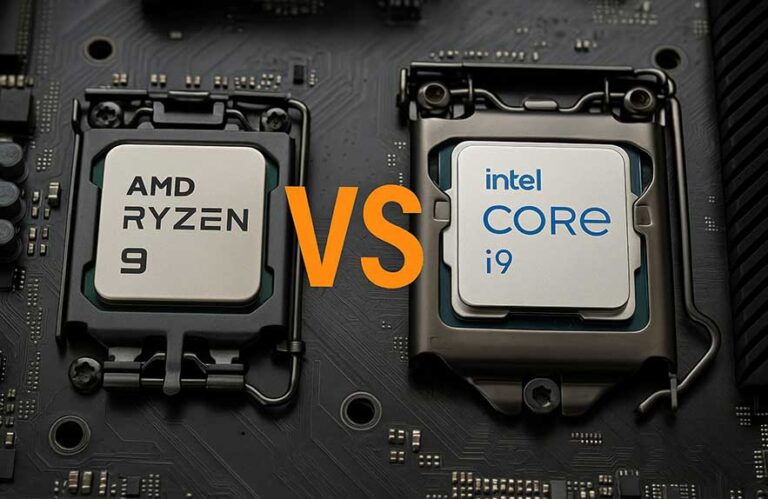
AMD Ryzen 9 vs Intel i9 processors side-by-side on motherboard

AMD Ryzen 9 vs Intel i9: Which CPU Reigns Supreme in 2025?

Ask anyone building a high-end PC in 2025, and you’ll hear the same debate come up again: should I go with AMD or Intel? Specifically, it’s the amd ryzen 9 vs intel i9 showdown that has builders weighing every detail. This rivalry has been running strong for years, but now it’s more competitive than ever. Whether you’re into gaming, content creation, or a bit of everything, picking the right CPU at this level can seriously influence how your system performs…

AMD Ryzen 9 vs Intel i9: Which CPU Reigns Supreme in 2025? Read More »

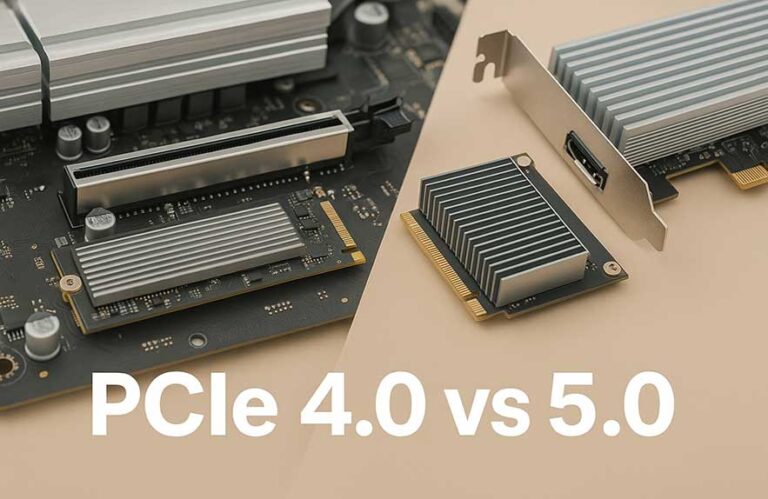
PCIe 4.0 vs 5.0 comparison with motherboard and GPU slots

PCIe 4.0 vs 5.0: Should You Upgrade Your Motherboard or GPU?

Let’s be honest—when you’re picking out parts for a new PC, your eyes probably go straight to the graphics card or processor. But here’s the thing: all that high-end gear needs a fast, stable highway to actually talk to each other. That’s exactly what PCIe does. Short for Peripheral Component Interconnect Express, it’s the invisible backbone that connects your GPU, SSD, and other critical parts to your motherboard. Without it, your blazing-fast hardware is just sitting in traffic.

So why are…

PCIe 4.0 vs 5.0: Should You Upgrade Your Motherboard or GPU? Read More »

A person playing a game on a powerful gaming laptop, comparing gaming laptop vs desktop performance

Gaming Laptop vs Desktop: Which One Should You Buy in 2025?

If you’re trying to figure out which machine gives you the best bang for your frame rate—welcome to one of the oldest debates in PC gaming: gaming laptop vs desktop. On the surface, it might seem like both can handle modern games just fine. But when you dive into the details, especially around CPU and GPU performance, the gap starts to show.

Let’s start with raw specs. Desktops almost always pack more power under the hood. A desktop CPU isn’t limited…

Gaming Laptop vs Desktop: Which One Should You Buy in 2025? Read More »