Windows Tips

Boost your Windows performance with tips, fixes, and setup guides for Windows 11 and beyond. Easy to follow, always useful.

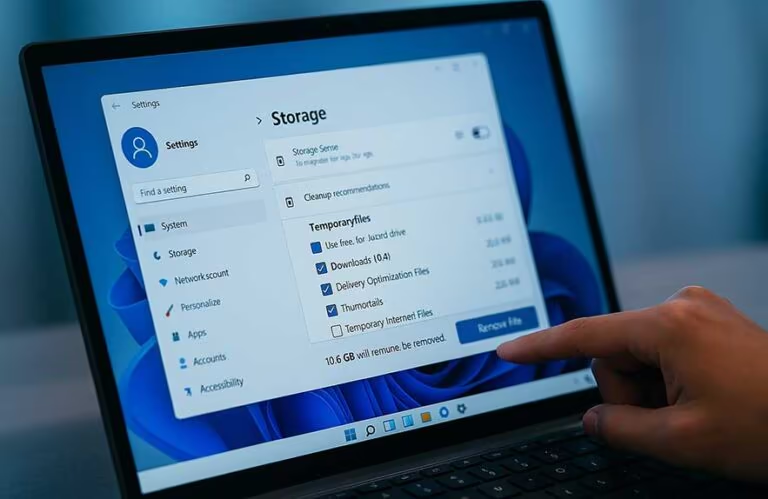
User clearing cache in Windows 11 on a laptop to free up storage space and improve performance

How to Clear Cache in Windows 11 (Free Up Space & Boost Performance)

Over time, your Windows 11 system builds up all kinds of cached data — from system files and browser cache to app leftovers and DNS records. While this data can help speed up processes in the short term, letting it pile up too much can slow things down. If your computer feels sluggish or you’re running low on storage, it’s time to clear cache in Windows 11.

Cache files can include:

Temporary system files used by Windows updates

Cached images and files from…

How to Clear Cache in Windows 11 (Free Up Space & Boost Performance) Read More »
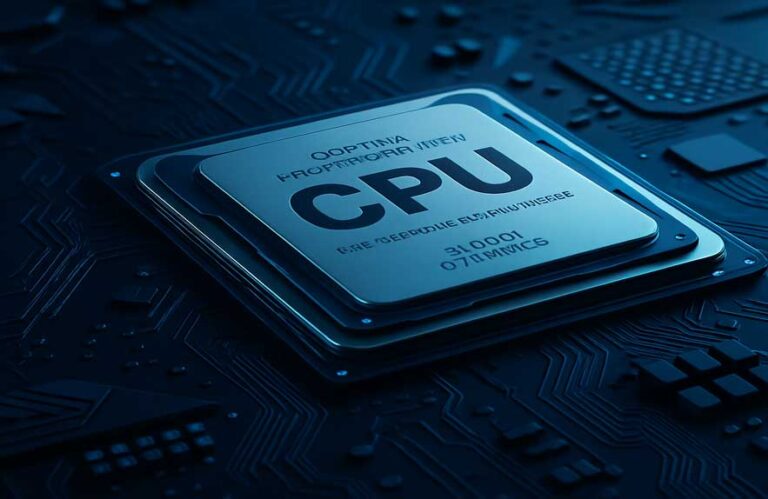
Close-up of a CPU on a motherboard used to explain how to lower CPU usage in Windows 11

How to Lower CPU Usage in Windows 11 (Why It’s So High & How to Fix It)

If your PC suddenly feels sluggish, fans ramp up, or apps freeze, there’s a good chance you’re dealing with high CPU usage. But what exactly does that mean? CPU usage refers to how much of your computer’s central processing power is currently being used by apps and background processes. When this hits 100%, it can cause noticeable slowdowns and even system crashes.

Whether you’re gaming, working with large files, or just browsing the web, knowing how to lower CPU usage in…

How to Lower CPU Usage in Windows 11 (Why It’s So High & How to Fix It) Read More »

User accessing Windows startup settings on a laptop to manage startup apps

How to Disable Startup Programs in Windows 11 for Instant Speed Boost (Easy Guide)

When you power on your Windows PC, several apps and services are set to launch automatically in the background. While some of these are essential, others may slow down your system’s performance and increase boot time. If you’ve noticed your computer taking longer than usual to start, it’s probably time to disable startup programs in Windows 11.

Startup programs can be anything from messaging apps and cloud storage clients to driver tools and update managers. These applications run silently in the…

How to Disable Startup Programs in Windows 11 for Instant Speed Boost (Easy Guide) Read More »

Windows 11 Start Menu open on a laptop screen

Windows Startup Folder: Effortlessly Improve Boot Speed (2025 Guide)

The Windows startup folder lets you control which apps launch when your PC boots. It’s a quick way to improve startup speed and customize your Windows 10 or 11 experience.

While newer tools like Task Manager and background services offer more options, the startup folder is still one of the easiest and most reliable ways to auto-launch desktop apps, portable tools, or custom scripts — without needing admin access.

There are multiple reasons you might want to use the Windows startup folder:

Automatically…

Windows Startup Folder: Effortlessly Improve Boot Speed (2025 Guide) Read More »